You upload your Suno track to Spotify. It sounds great in the generator. But on the platform — something feels off. Quieter than other songs. Or weirdly compressed. Or just... not right.
The reason is almost always LUFS.
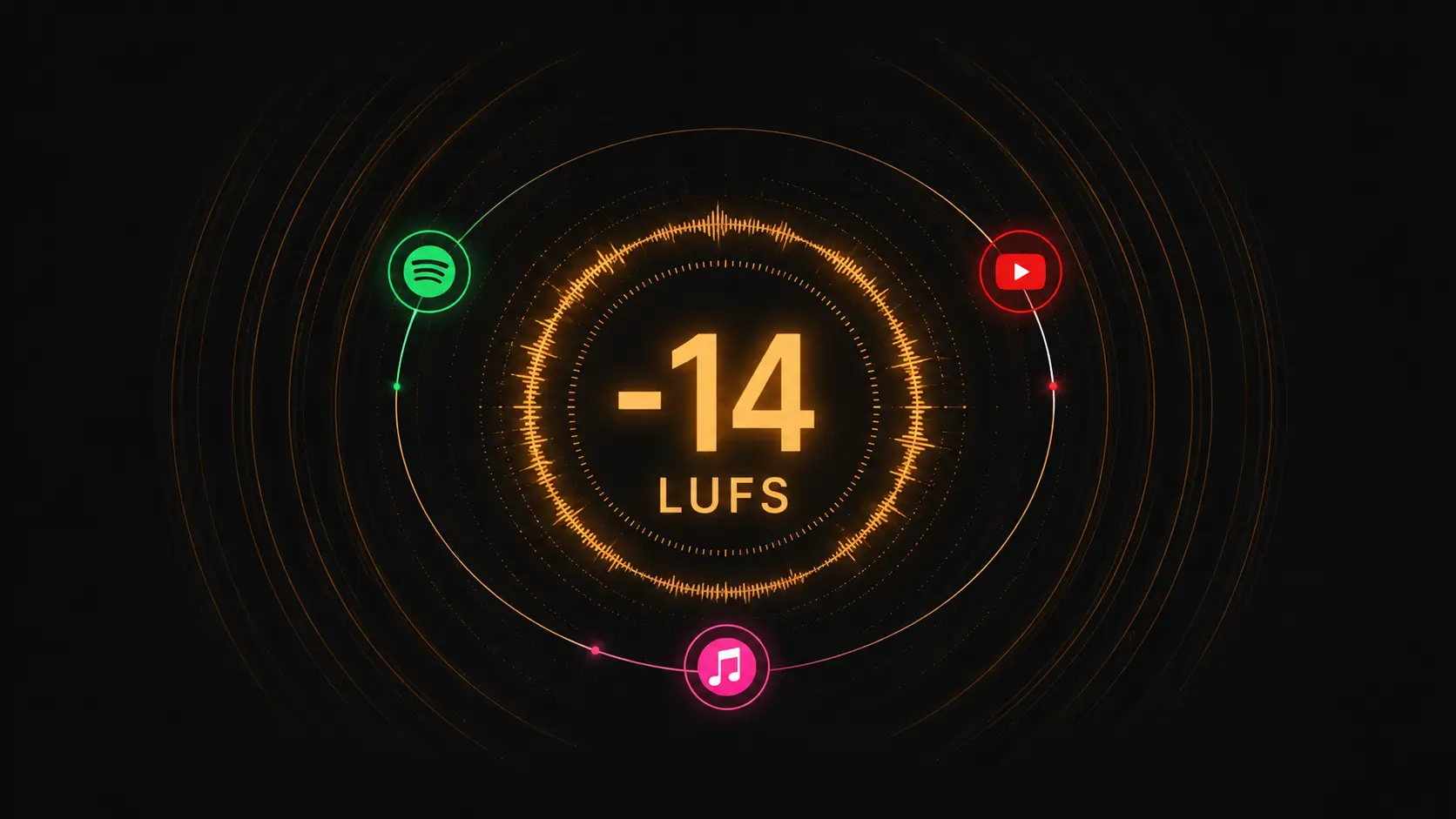
What LUFS actually means
LUFS stands for Loudness Units relative to Full Scale. It's how streaming platforms measure the perceived loudness of audio — not the peak volume, but how loud it actually feels to human ears.
Think of it this way: two tracks can have the same peak volume but one sounds twice as loud. LUFS measures that difference.
The targets you need to know
Every major platform normalizes audio to its own LUFS target:
- Spotify: -14 LUFS
- Apple Music: -16 LUFS
- YouTube: -14 LUFS
- Tidal: -14 LUFS
- SoundCloud: -10 LUFS (louder)
If your track is louder than the target — the platform turns it down. If it's quieter — it stays quiet. Either way, you're not in control.
Why AI music has a problem
Suno, Udio, and most AI generators export tracks at around -12 to -10 LUFS. That's 2–4 units hotter than Spotify's target.
When Spotify receives your track, it applies loudness normalization and turns it down. But turning down a hot track doesn't fix clipping artifacts — it just makes them quieter and more obvious.
The result: your track sounds flat, distorted, or lifeless compared to professionally mastered songs.
How to fix it
You need to bring your track to the correct LUFS target before uploading. This means:
- Measure the current LUFS of your track
- Apply gain reduction or limiting to hit the target
- Check for clipping artifacts after processing
- Export and upload
WaveDisco does this automatically. Drop your track in, set the target platform, and it normalizes to the correct LUFS with clipping protection built in. Free in the browser — no install needed.
The short version
LUFS is how loud your track feels. Streaming platforms have targets. AI music exports too hot. Fix it before you upload — or the platform fixes it for you, badly.