Both Suno and Udio generate music from text prompts. Both are free to try. But they produce audio differently — and that difference matters when you bring the track to a mastering studio.
This is an honest comparison based on what actually comes out of each generator and how it responds to processing.
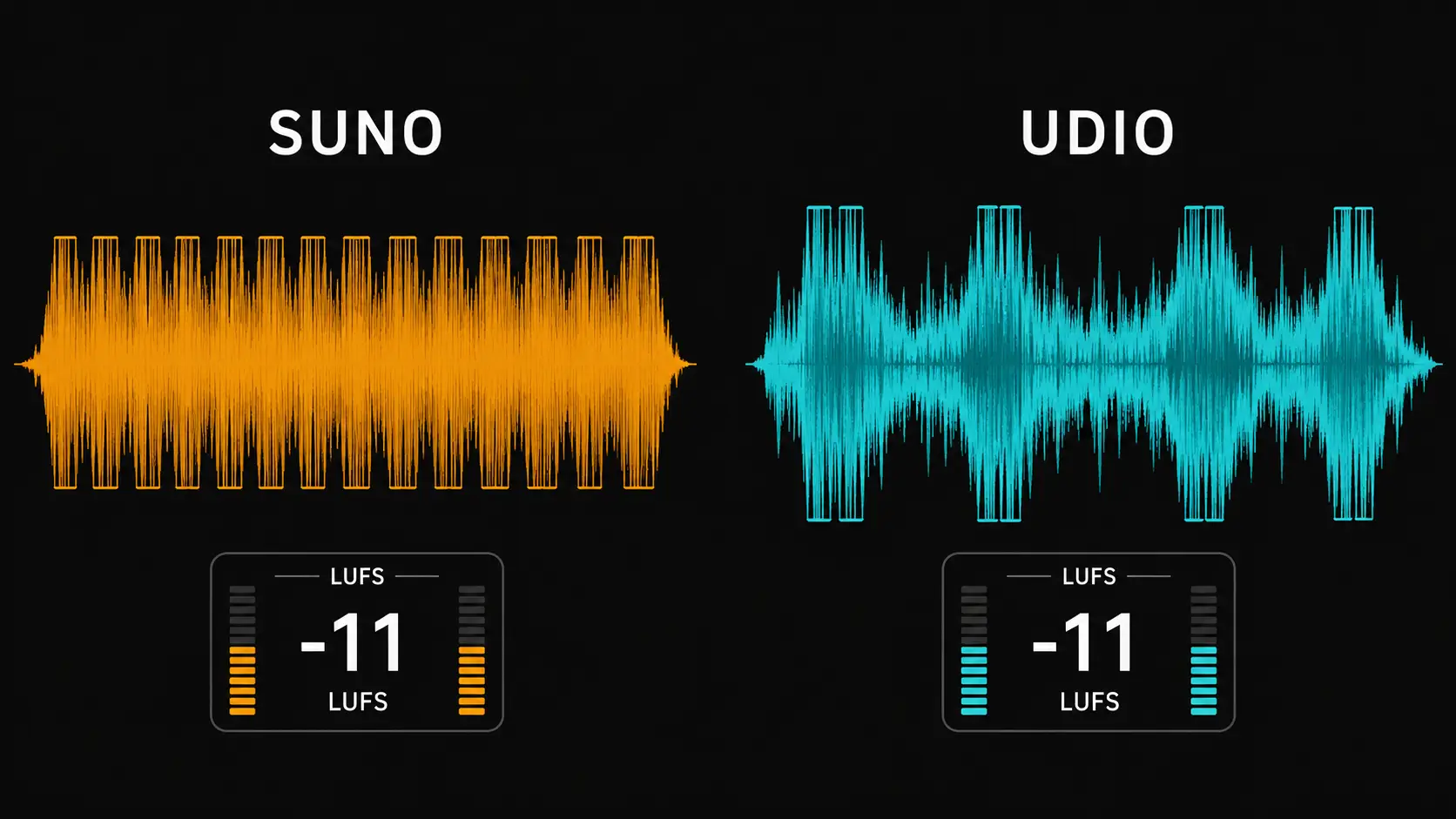
What each generator does well
Suno is better at song structure. Verse, chorus, bridge — Suno understands these intuitively. Give it a style prompt and it builds something that feels like a complete song. Vocals sit naturally in the mix. The output is consistent across generations.
Udio produces more detailed textures. The instrumentation feels richer, more layered. For instrumental music — electronic, ambient, cinematic — Udio often sounds more interesting. But the structure can be unpredictable. You get beautiful 30-second sections that don't always connect well.
The loudness problem — both generators have it
Neither Suno nor Udio masters for streaming. Both export hot.
Suno exports consistently hot. In our own measurements on three tracks, integrated LUFS came out between -13.8 and -15.0 depending on genre — the full results are in the download format comparison. Udio also exports loud — by most accounts at least as hot as Suno, though we haven't run independent measurements on Udio files.
Both need processing before streaming upload. The difference is in how they clip.
Suno clipping tends to be consistent — the whole track is hot but uniformly so. One pass of limiting and normalization usually fixes it cleanly.
Udio clipping can be irregular — some sections are fine, then a loud transient hits 0 dBFS. This makes transparent limiting harder. You sometimes need to be more aggressive with the limiter, which affects the dynamics of the quieter sections.
How each responds to mastering
Suno tracks generally respond well to standard processing. The stereo image is stable, the frequency balance is reasonable, and LUFS normalization with a true peak limiter produces clean results in most cases.
Udio tracks can be more challenging. The richer layering sometimes means more frequency buildup in the low-mids — around 200–350 Hz — which shows up as muddiness after normalization. A targeted EQ cut in that range before limiting usually helps.
Neither generator is "better" for mastering. They're different. Suno gives you something more predictable to work with. Udio gives you something that might sound more interesting if you're willing to spend a little more time on it.
The workflow that works for both
Drop the track into WaveDisco Studio. The analyzer measures your LUFS, True Peak, and spectral balance before you touch anything. You can see exactly where the problems are — how hot the track is, whether there's mud in the low-mids, how wide the stereo image is.
For Suno: Quick mode handles most tracks, typically in under 2 seconds. Auto-Master with Electronic or Pop genre setting works well for more complex material.
For Udio: Auto-Master with the analyzer open. Check the Mud reading — if it's high, use Manual mode and cut the low-mids before processing. Bold strength setting can over-compress Udio's dynamics, so Balanced or Subtle usually works better.
The short version
Suno: more consistent structure, easier to master, slightly less textural detail.
Udio: richer textures, more interesting instrumentation, requires more attention during mastering.
Both need loudness correction before streaming. Both respond well to proper processing. Try both — your ears will tell you which one fits your style.
For more on mastering AI music: AI Music Mastering — The Complete Guide