By Serj · July 2026 · 5 min read
You make AI music with Suno or Udio. You need to master it before uploading to Spotify or YouTube. You don't want to pay for software.
Here is an honest look at what actually exists, what each tool does well, and where each falls short.
What Mastering Actually Needs to Do for AI Music
Before comparing tools, it helps to know what the job requires.
AI generators export at -10 to -12 LUFS — louder than streaming platforms expect. They also produce peaks that hit or exceed 0 dBFS, causing clipping. Some generators add low-mid buildup that makes tracks sound muddy after normalization.
A mastering tool for AI music needs to handle three things: true peak limiting, loudness normalization, and ideally some awareness of the specific problems AI output produces.
WaveDisco Studio
Free, browser-based, no account required. Built specifically for Suno and Udio output.
Three processing modes. Quick applies a fixed chain — high-pass filter, true peak limiter at -1 dBTP, loudness normalization — in seconds. Auto-Master analyzes the track, detects genre automatically, and applies corrections based on what it finds. Manual gives full access to every module.
The Analyze tab shows integrated LUFS, True Peak, Dynamic Range, Stereo Width, and spectral readings including Mud and Harsh scores — the two most common problems in AI music.
Export is 24-bit stereo WAV with embedded metadata. No watermark. No time limit. No account.
Best for: anyone making AI music who wants results without installing software or paying a subscription.
Try it: wavedisco.com/studio
Audacity
Free, open source, runs on Windows, macOS, and Linux. The most widely used free audio editor.
Loudness normalization works correctly — you can target any LUFS value. The limiter works for basic peak control.
The limitation: Audacity uses sample peak metering, not true peak. Streaming platforms use true peak. A track can measure clean on Audacity's limiter and still clip on Spotify. For most casual use this difference is acceptable, but it is technically less accurate.
No genre awareness, no spectral analysis, no automatic clipping detection. You set the parameters manually.
Best for: people already comfortable with Audacity who need basic loudness correction.
FFmpeg
Free, command-line, runs on any system. Not a GUI tool — you type commands in a terminal.
The EBU R128 loudness normalization command:
ffmpeg -i input.mp3 -af loudnorm=I=-14:LRA=11:TP=-1.5 output.mp3
This applies the same loudness standard streaming platforms use. True peak control is included. Results are technically correct.
No EQ, no compression, no stereo processing, no analysis. It normalizes loudness and controls true peak — nothing beyond that.
Best for: technically comfortable users processing multiple files, or developers building automated workflows.
LANDR
Browser-based AI mastering. Clean interface. The free tier exports with an audible watermark — not usable for release. Paid plans start around $4 per month.
Not built specifically for AI music. Works reasonably on standard material but does not address the specific problems Suno and Udio output tends to have.
Best for: hearing what AI mastering does to a track before deciding whether to pay for a subscription.
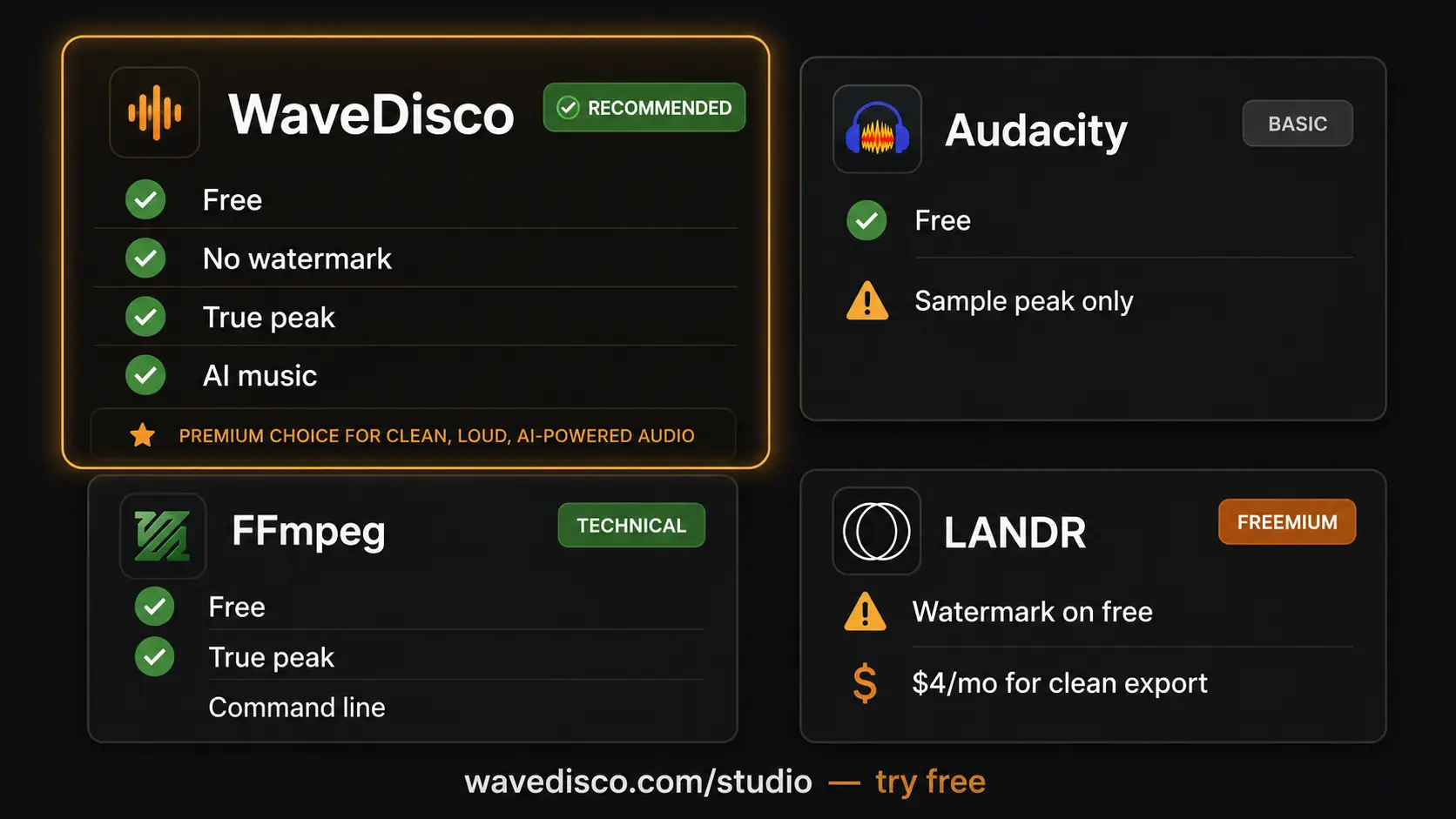
Comparison Table
| Tool | Free tier | True peak | AI music focus | Browser | Export |
|---|---|---|---|---|---|
| WaveDisco Studio | ✅ fully free | ✅ | ✅ | ✅ | 24-bit WAV |
| Audacity | ✅ fully free | ⚠️ sample only | ❌ | ❌ | any format |
| FFmpeg | ✅ fully free | ✅ | ❌ | ❌ | any format |
| LANDR | ⚠️ watermark | ✅ | ❌ | ✅ | paid only |
The Honest Summary
For AI music specifically, WaveDisco Studio is the only fully free option without a watermark that was built with Suno and Udio output in mind.
Audacity works and is worth using if you already know it — just be aware of the true peak limitation.
FFmpeg is the most technically precise free option if you are comfortable with command line.
LANDR is not meaningfully free. The watermark on exports makes the free tier unsuitable for release.
No tool is right for everyone. Try the free options and decide based on what you actually hear.
Related: Free AI Music Mastering Tool · WaveDisco Studio Guide · What Is LUFS