You made an AI track. You need to master it. You don't want to pay for software. Here's an honest look at what's actually free and what each tool can and can't do.
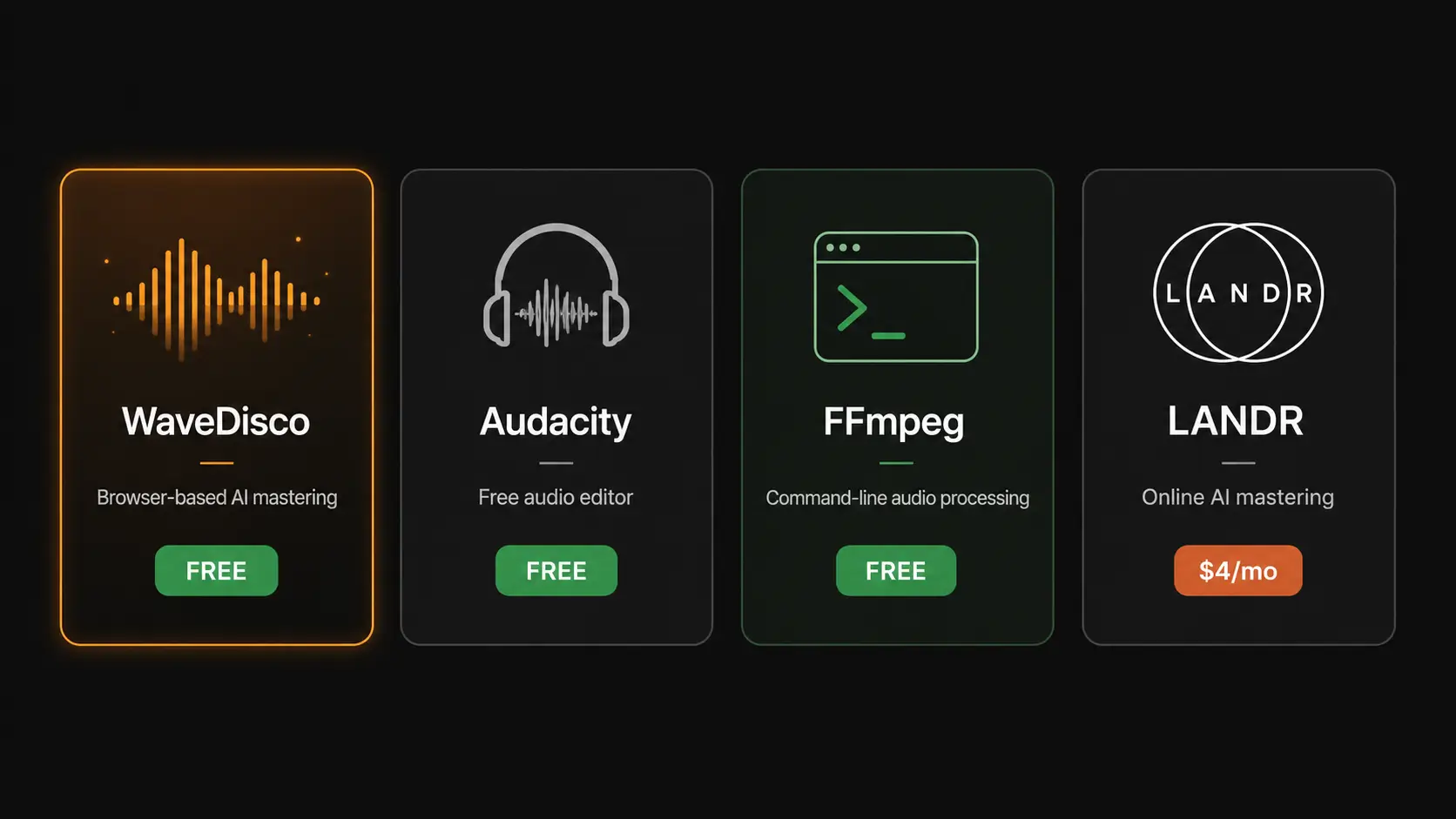
WaveDisco Studio (free in the browser)
Drop your track into wavedisco.com/studio. The studio applies transparent limiting with a true peak ceiling of -1 dBFS, then normalizes to your target platform's LUFS. Free, no account needed.
Three modes: Quick (one click, typically done in under 2 seconds), Auto-Master (picks settings based on your genre and target platform), Manual (full control over EQ, compression, saturation, limiting, stereo width, and more).
The Quick mode applies a high-pass filter at 30 Hz, a true peak limiter at -1 dBTP, and normalizes to your platform target. No settings, no analysis, just a clean export.
Auto-Master detects your genre automatically — Electronic, Pop, Hip-Hop, Rock, Jazz, Classical, or Acoustic — and builds a processing chain from that. You can override the genre and choose processing strength: Subtle, Balanced, or Bold.
Export is 24-bit stereo WAV with embedded metadata including track name, artist, genre, and processing information.
Free with no account required. The desktop version is $25 one-time for offline use.
Audacity (free desktop)
The oldest free audio editor still standing. Does loudness normalization and basic limiting well. Not designed for mastering — it's a general audio editor — but it gets the job done for simple corrections.
What works: Loudness Normalization to any LUFS target, basic limiter, noise reduction, format conversion.
What doesn't: No true peak metering (uses sample peak instead), no spectral analysis, no genre-aware processing, no automatic clipping detection. The interface is dated and unintuitive for first-time users.
Best for: people who are already comfortable with Audacity and just need to hit a LUFS target quickly.
FFmpeg (free command line)
Not a GUI tool — you type commands. But it's powerful, precise, and runs on any system.
The loudness normalization command:
ffmpeg -i input.mp3 -af loudnorm=I=-14:LRA=11:TP=-1.5 output.mp3
This applies the EBU R128 standard — the same standard streaming platforms use. Results are technically correct.
What it can't do: no clipping repair beyond peak limiting, no EQ, no compression, no stereo processing. It normalizes loudness and controls true peak — nothing more.
Best for: developers, technically comfortable users, or anyone processing large numbers of files in a script.
LANDR (freemium)
LANDR offers AI mastering with a free tier. The free tier adds a watermark to your export. To get a clean file you need a subscription starting around $4/month.
The mastering quality is decent. The free version is not practically useful if you want to release the track.
Best for: listening to what AI mastering can do to your track before deciding whether to pay.
Comparison table
| Tool | Free tier | True peak | Genre-aware | Browser | Export quality |
|---|---|---|---|---|---|
| WaveDisco Studio | ✅ fully free | ✅ | ✅ | ✅ | 24-bit WAV |
| Audacity | ✅ fully free | ❌ sample peak | ❌ | ❌ | any format |
| FFmpeg | ✅ fully free | ✅ | ❌ | ❌ | any format |
| LANDR | ⚠️ watermark | ✅ | ✅ | ✅ | paid only |
The honest recommendation
If you want free and fast with no technical knowledge: WaveDisco Studio. Open the browser, drop the file, export.
If you want free and are comfortable with command line: FFmpeg for normalization, nothing else comes close for precision.
If you already use Audacity: stick with it for basic corrections, but be aware of the true peak limitation.
LANDR is not meaningfully free. The watermark makes the free tier unsuitable for release.
Related: What Is LUFS · How to Fix Clipping · WaveDisco Studio Guide