By Serj · July 2026 · 5 min read
My first Suno track on Spotify sounded nothing like what I heard in the Suno player.
It was quieter than everything around it. The bass was muddy. On loud moments there was a harshness I couldn't explain. I thought something was wrong with the track itself — the melody, the arrangement, the prompt I used.
It took me a while to understand that the track was fine. The problem was everything I did — and didn't do — before uploading it.
Here are the three mistakes I made. I'm sharing them because I spent more time than I should have figuring this out, and maybe this saves you some of that time.
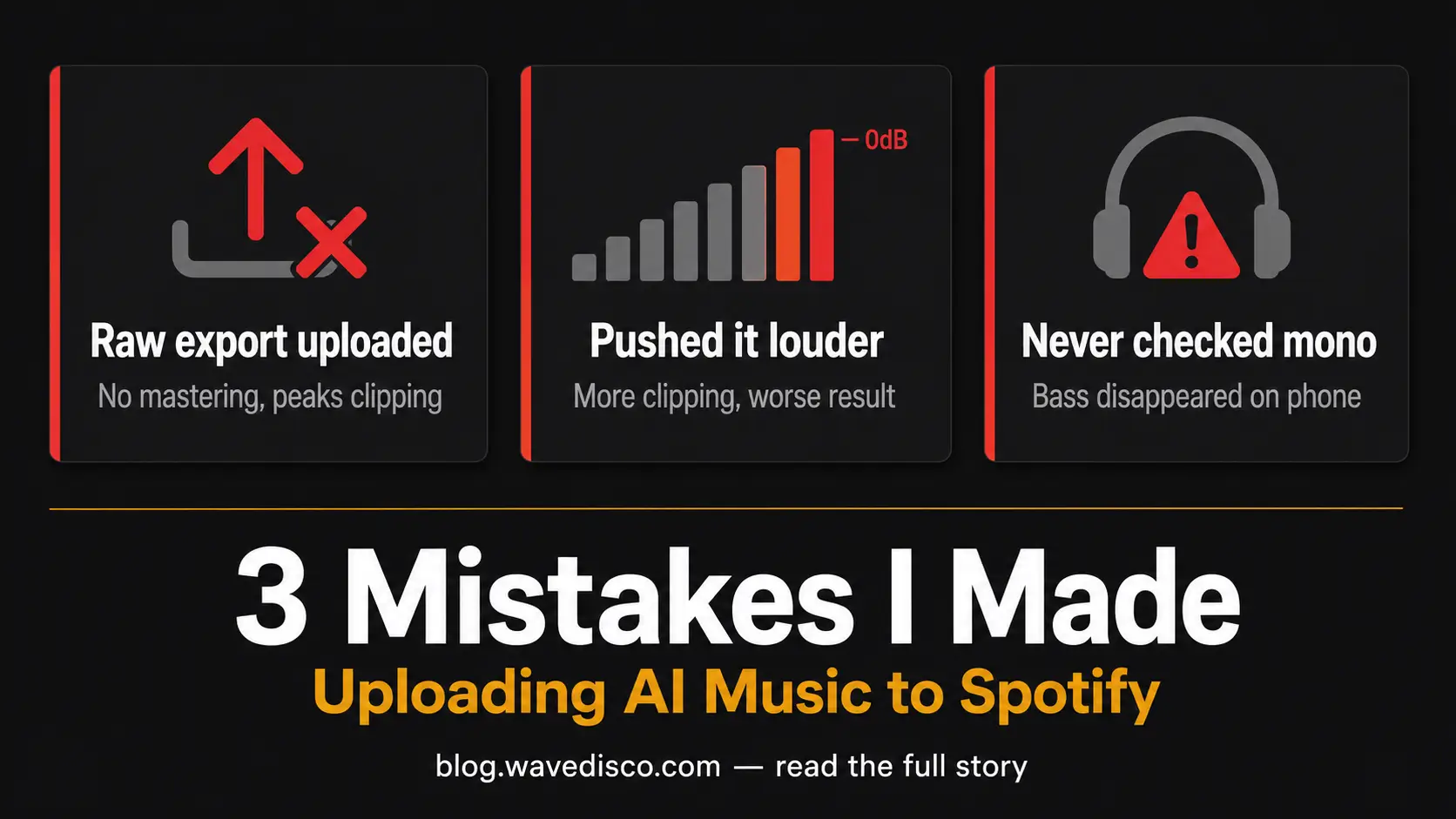
Mistake 1: I uploaded the raw export directly
Suno gives you an MP3 when you export. I took that file and uploaded it straight to my distributor without doing anything to it.
What I didn't know: Suno exports at around -10 to -12 LUFS. Spotify's target is -14 LUFS. When Spotify received my track it turned it down automatically — about 2 to 4 decibels.
That doesn't sound like much. But here's the problem: my track had peaks hitting close to 0 dBFS. Those peaks were clipping. When Spotify turned the track down, the clipping stayed — just at a lower volume. The distortion became more obvious, not less.
What I do now: master the track before uploading. Bring the integrated LUFS to -14 LUFS with a true peak limiter set to -1 dBTP. The platform normalization then has clean material to work with.
I use WaveDisco Studio for this — it handles both steps automatically and it's free in the browser. But any tool that does true peak limiting and loudness normalization will work.
Mistake 2: I confused loud with good
After I noticed my track sounded quiet compared to other songs, my instinct was to make it louder. I pushed the export level as high as I could.
The result was worse. More clipping. More harshness. YouTube's automatic normalization made it sound even more distorted when I uploaded there.
The thing I eventually understood: streaming platforms normalize everything to the same target. A track at -10 LUFS and a track at -14 LUFS end up playing at roughly the same perceived volume on Spotify — because Spotify turns the louder one down.
What actually makes a track sound full and present at the normalized level is not loudness. It's headroom — the space between your average level and your peaks — and clean limiting that catches those peaks without distorting them.
Chasing loud was making everything worse, not better. Once I stopped doing that, the results improved immediately.
Mistake 3: I never checked how it sounded in mono
I mixed and listened on headphones. Stereo headphones. The track sounded fine.
Then I played it on a phone speaker — mono playback — and something happened to the bass. It got thin. Almost disappeared. The low end that sounded solid in headphones was mostly gone.
This is a phase issue. AI generators sometimes produce stereo content where the left and right channels are out of phase with each other at certain frequencies. In stereo it sounds fine or even wide and interesting. In mono — when the two channels are summed together — the out-of-phase content cancels out.
Phone speakers are mono. Some club systems run mono. A lot of people listen to music in situations where mono matters.
What I do now: before finalizing any track, I check the Stereo Width reading in the WaveDisco Analyzer. If it shows something unusual — very narrow or unstable — I investigate before uploading. A quick mono check in any audio player also works.
The order that actually works
After a lot of trial and error, here is the sequence I use now:
- Export from Suno as high quality as available
- Open in WaveDisco Studio — check Analyze tab
- Look at LUFS, True Peak, Stereo Width, Mud reading
- If Mud is elevated — cut LOW MID at 350 Hz in Manual mode
- Apply Quick or Auto-Master depending on what the analysis shows
- Export 24-bit WAV
- Upload that WAV to the distributor — not the original MP3
The whole process takes about five minutes once you know what you're doing.
A note on expectations
Mastering makes a track cleaner and more consistent. It does not transform a track that has fundamental creative problems into something it isn't.
If the melody is wrong, mastering won't fix that. If the arrangement is cluttered, mastering won't fix that either. Start with the best source material you can get from Suno, then master it.
What mastering does fix: loudness inconsistency, clipping peaks, spectral imbalance, and phase issues. Those are real technical problems that affect how your track sounds on every platform and every playback device. They're worth fixing.
Come try it if you're curious: wavedisco.com/studio — free, no account, no watermark. See if it makes a difference on your tracks.
Related: How to Fix Clipping · What Is LUFS · How to Make Your Suno Music Louder