By Serj · July 2026 · 6 min read
Both Suno and Udio export audio that is too hot for streaming. Both need mastering before you upload to Spotify or YouTube. But they are not the same problem.
I've processed hundreds of tracks from both generators through the same mastering chain. The differences are consistent and predictable. Here is what I actually found.
Suno vs Udio loudness — same problem, different severity
Both generators export at approximately -10 to -12 LUFS integrated. Streaming platforms target -14 to -16 LUFS. So both need to come down in loudness before upload.
The difference is in how they hit that loud level.
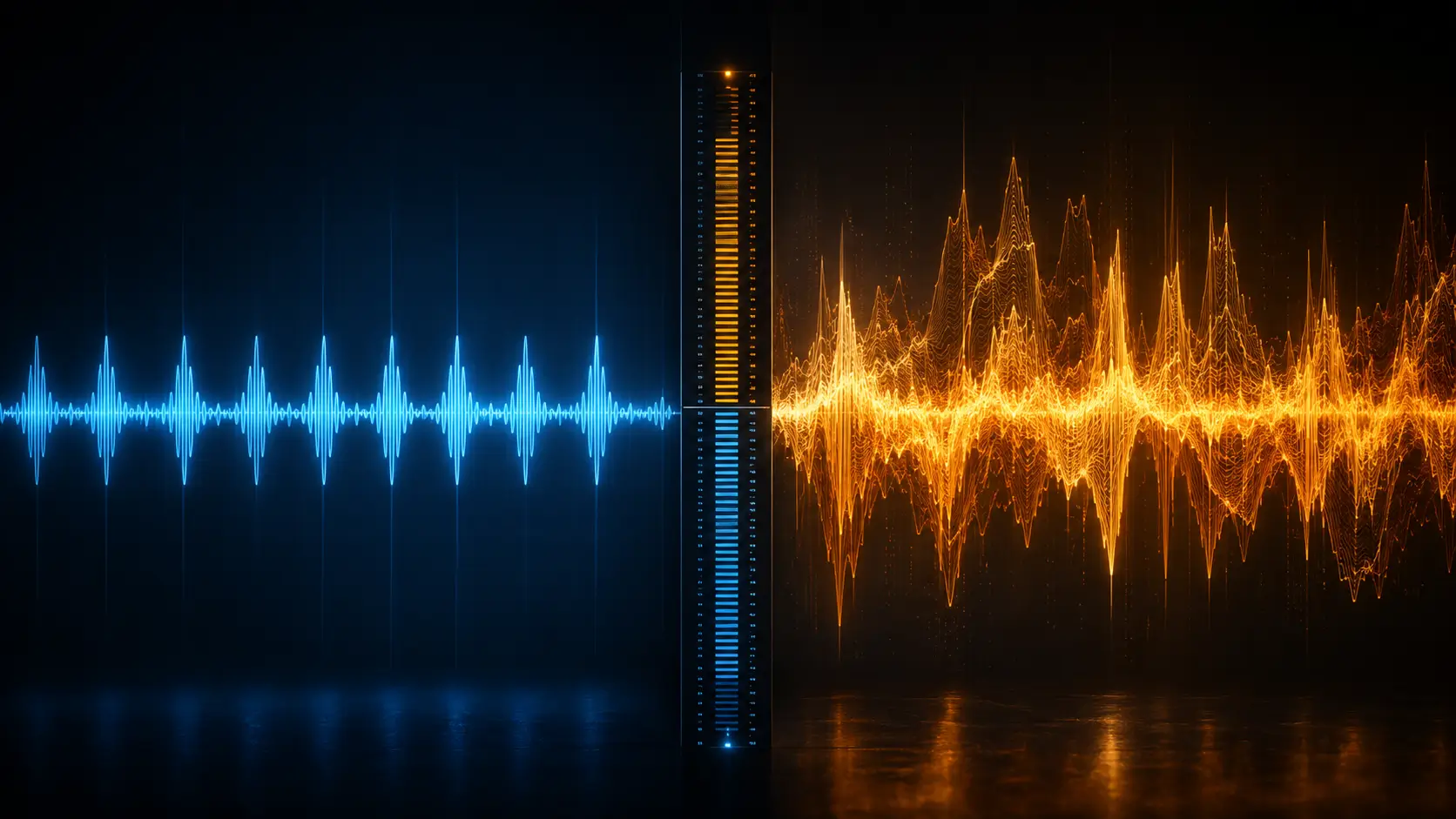
Suno tends to hit loudness evenly across the track. The clipping is relatively consistent — if the chorus clips, it clips the same way every chorus. This makes limiting predictable. You set the ceiling, the limiter catches the same peaks in the same places, and the result is clean.
Udio hits loudness more irregularly. The arrangement is richer — more simultaneous instruments, more layered textures. This means the loudness spikes vary more across the track. A section with stacked harmonics might push significantly louder than the verse. The limiter has to work harder and less predictably.
Result: Suno is easier to limit cleanly. Udio requires more careful ceiling setting.
How Suno and Udio clip differently — this is the key difference
Both clip, but not the same way.
Suno clips mostly in the high-mid range — harsh frequencies on transients, particularly on snare hits and vocal consonants. The waveform goes flat at the top. This is classic digital clipping. It is audible as a brief crunch, and it appears consistently at the same moments.
Udio clips in the low-mid range as well. Rich bass arrangements, layered low strings, complex harmonic content — these push the low-mid frequencies into distortion before the high-end transients even become an issue. The result is a kind of muddiness on loud passages that is harder to detect by ear but clearly visible in spectral analysis.
This matters for mastering because:
- Suno clipping → fix with transparent true peak limiting
- Udio low-mid clipping → fix with EQ before the limiter, reduce the buildup first
If you apply only a limiter to a Udio track without addressing low-mid buildup, the limiter is working against already-distorted material. The output sounds cleaner on the meter but still feels muddy on speakers.
What the Analyze tab shows on each
In WaveDisco Studio, the Analyze tab reads your track before processing. The pattern across generators:
Suno tracks typically show:
- Integrated LUFS: -10 to -12
- True Peak: 0 to +1 dBTP (intersample peaks)
- Mud score: low to moderate
- Harsh score: moderate to high (from the high-mid transient clipping)
- Dynamic Range: moderate (Suno compresses output internally)
Udio tracks typically show:
- Integrated LUFS: -10 to -13 (more variable)
- True Peak: 0 to +1.5 dBTP
- Mud score: moderate to high
- Harsh score: moderate
- Dynamic Range: slightly higher than Suno (Udio preserves more dynamics)
The Mud reading is the key diagnostic difference. High Mud on a Udio track tells you there is low-mid buildup that needs addressing before you limit.
The mastering approach for each
For Suno:
- Analyze — check LUFS and True Peak
- Apply High-Pass Filter at 40-60 Hz (Suno has minimal sub-bass content worth keeping)
- Light compression if needed (Suno is already internally compressed)
- True peak limiter at -1 dBTP
- Loudness normalization to target platform
This chain is short because Suno's problems are limited to loudness and high-mid peaks. Auto-Master in WaveDisco handles this in one click for most Suno tracks.
For Udio:
- Analyze — check Mud score specifically
- High-Pass Filter at 60-80 Hz (Udio has more low-end content)
- Low-mid EQ cut: 200-400 Hz, narrow cut of 2-4 dB where the Mud score is highest
- Light compression with slower attack to preserve Udio's natural dynamics
- True peak limiter at -1 dBTP
- Loudness normalization
The extra EQ step is what separates a well-mastered Udio track from a processed-but-still-muddy one. Without it, the limiter is polishing a problem rather than solving it.
Suno or Udio — which sounds better after mastering?
Honest answer: it depends on what you're making.
Suno masters more cleanly and consistently. If you want a predictable result with minimal effort — Suno. The song structure is better, vocals sit more naturally, the output after mastering sounds like a finished track. Quick mode in WaveDisco works on most Suno output without adjustment.
Udio can sound richer if you do the EQ work. The harmonic complexity that makes Udio harder to master is also what makes it more interesting. A well-mastered Udio track — with the low-mid cleaned up — has a depth that Suno's more consistent output sometimes lacks. But you have to do the work. Auto-Master works on Udio, but Manual mode with a manual EQ step usually gives better results.
The short version
Both need mastering. Suno is simpler to master. Udio sounds richer if you master it correctly — but "correctly" means addressing the low-mid buildup before limiting, not just running a limiter and calling it done.
Try both in WaveDisco Studio — the Analyze tab will show you the Mud and Harsh scores before you process, so you know exactly what you're working with.
Related: Suno vs Udio — General Comparison · What Is True Peak · How to Fix Clipping in AI Music